The Complete Guide
Event Registration System
A registration system is not one product but four layers that have to connect: how people sign up, how they are recognised at the door, what identity they carry inside, and what data is left behind afterwards. This page explains all four, what decides each one, and how those decisions shift with the shape of your event.
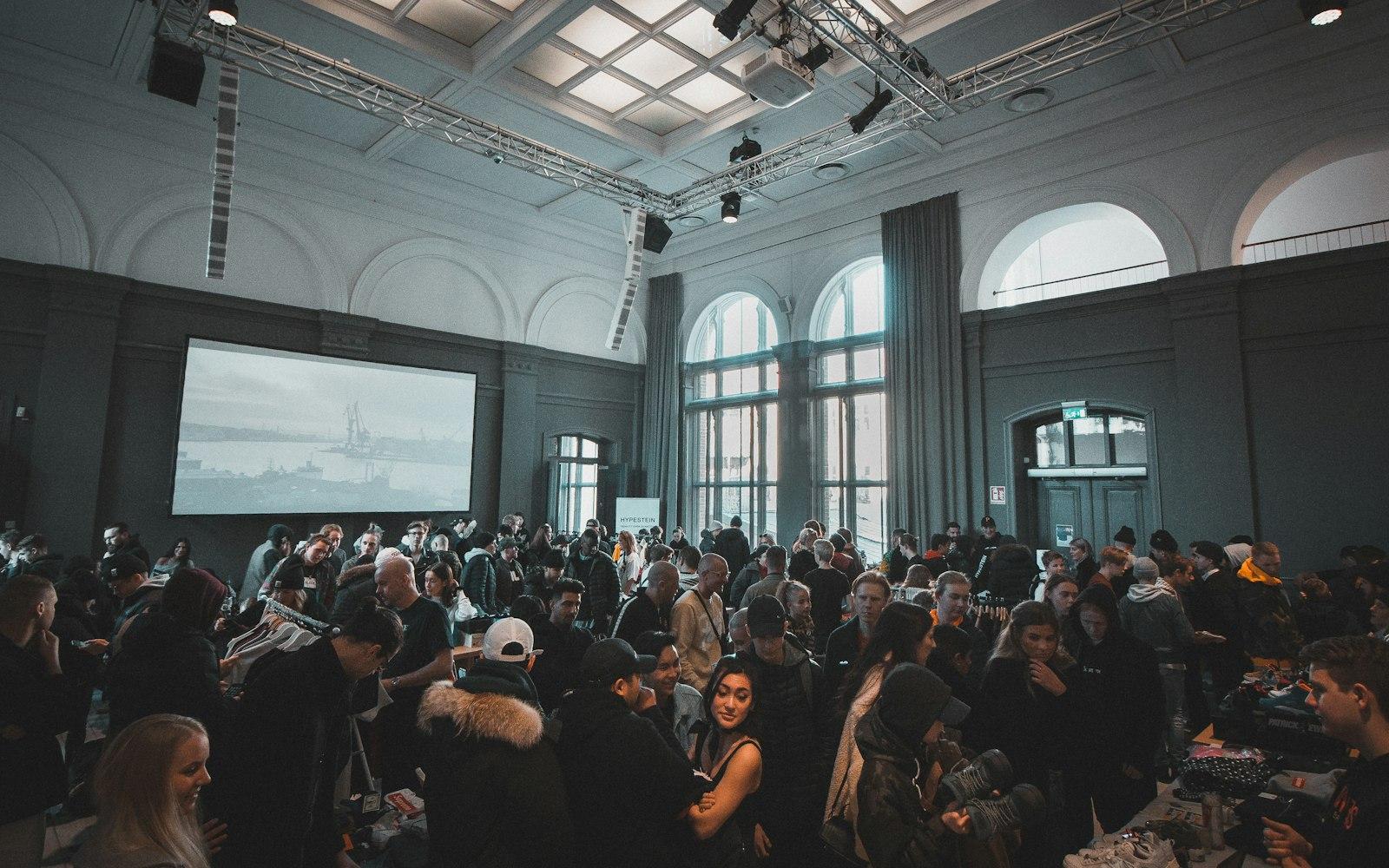
The Four Layers You Are Actually Buying
A lot of disappointment with registration systems traces back to one layer treated as an add-on, which then turns out to decide what the day feels like.
- 01
Sign-up
Where a person hands over their details. Form length decides how many abandon it, far more than page design does. Every extra field needs a reason you can say out loud. If nobody will read the answer, the field is pure cost.
Read more: Event Registration Service → - 02
Recognition at the Door
Where that record becomes attendance. QR covers almost everything. RFID and facial recognition answer a narrower case, where a guest must not stop at all. Queue length is usually decided not by scan speed but by how many lanes are open and how obvious the right one is.
Read more: Event Check-in System → - 03
Identity Inside
A badge, a wristband, or nothing. It does two jobs: telling other people who they are meeting, and telling the system which areas someone may enter. Plenty of events need only the first, and some need neither. This layer can be removed without touching the rest.
Read more: Event Badge Printing → - 04
The Data Afterwards
The layer least considered when choosing and most regretted later. Who registered but didn't come, what share of invitations became attendance, and in what format all of it is handed to you. These are far easier to settle before the event than after.
See the services →
Choosing the Flow
Those four layers arrange differently depending on who may attend and how they earn the right to. These six arrangements cover almost every event we meet. Each has its own page, along with the decisions it forces.
- Invited OnlyChoose this when the guest list is settled and must not grow on its own.See the flow →
- Open RegistrationChoose this when headcount matters more than control over who attends.See the flow →
- Paid EventChoose this when the right to attend is issued by payment, not by approval.See the flow →
- Walk-inChoose this when most guests will not register beforehand, whatever you prepare.See the flow →
- HybridChoose this when some guests register ahead and others simply turn up.See the flow →
- Approval BasedChoose this when someone must judge every registrant before a pass is issued.See the flow →
What Is the System Itself Like?
The question that usually follows once the flow is settled: who can open it, from what device, and what happens when the connection goes.
A dashboard for your team
Attendance, per-station throughput, pre-registered versus walk-in, all moving live. Open it from a laptop at the desk or a phone while walking the venue.
Access by role
The event lead, a desk operator and the sponsor team do not need to see the same things. Each account is scoped to its role, and can be revoked at any time.
Web-based, nothing to install
Open it in a browser on a laptop or tablet. If your event genuinely calls for a dedicated app or a desktop unit at the desk, that can be arranged too.
Keeps running offline
A check-in station can verify attendees against data already on the device, then reconcile once the connection returns. Attendance is still recorded, and nothing is lost.
One record set for every lane
Pre-registration, walk-ins, VIPs and every door land in the same place. There is no second spreadsheet to reconcile afterwards.
Export whenever you want
Attendance lists, arrival times, no-shows and whatever segmentation you asked for, in a format your own team can use directly.
Station Types
What It Actually Looks Like on the Day.
The hardest part of a registration system to picture is the physical one. These are the arrangements used most often, from a single tablet through to a unit that stands on its own without crew.
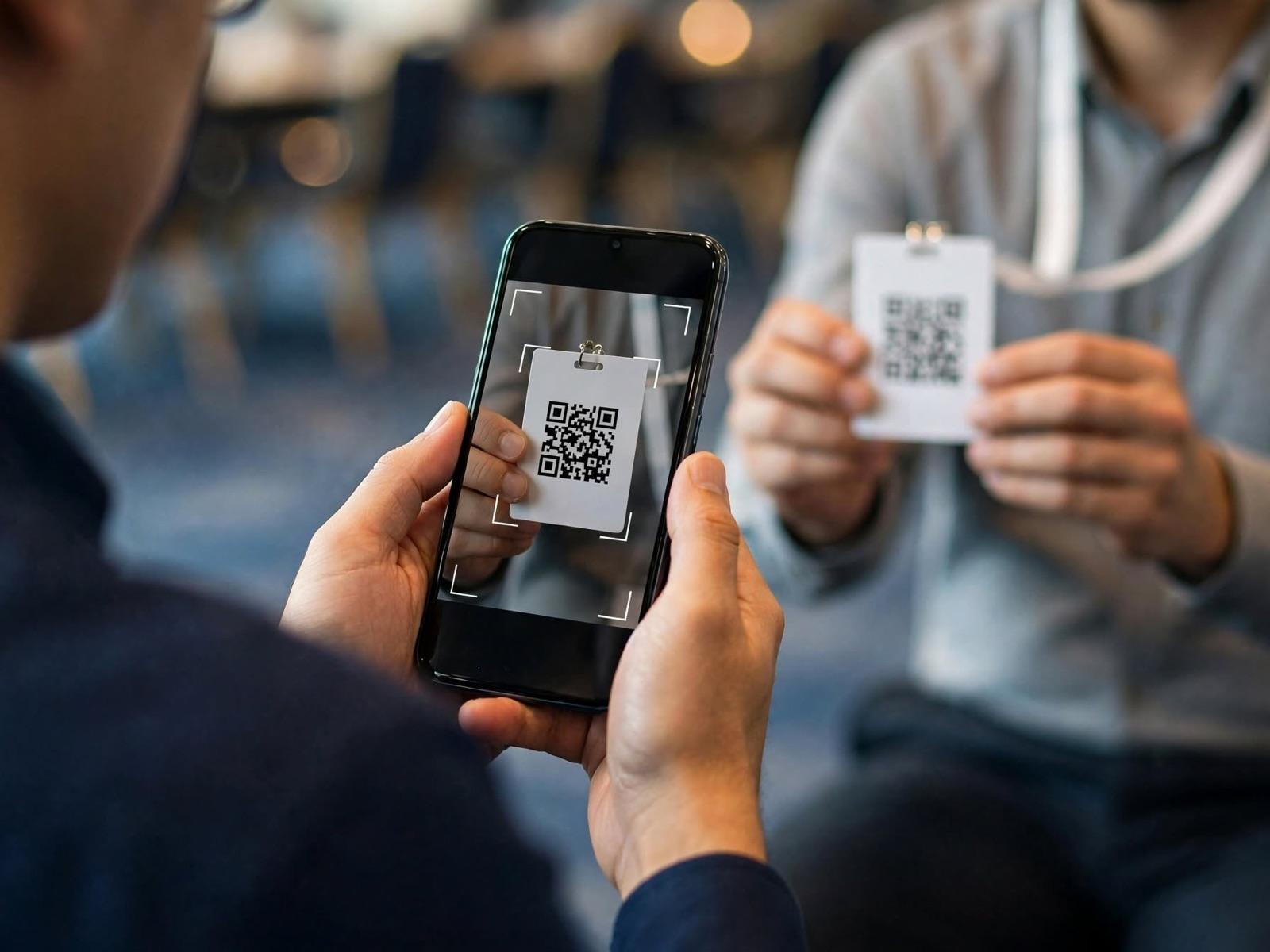
Show the QRFrom a phone screen, or from a badge already printed.
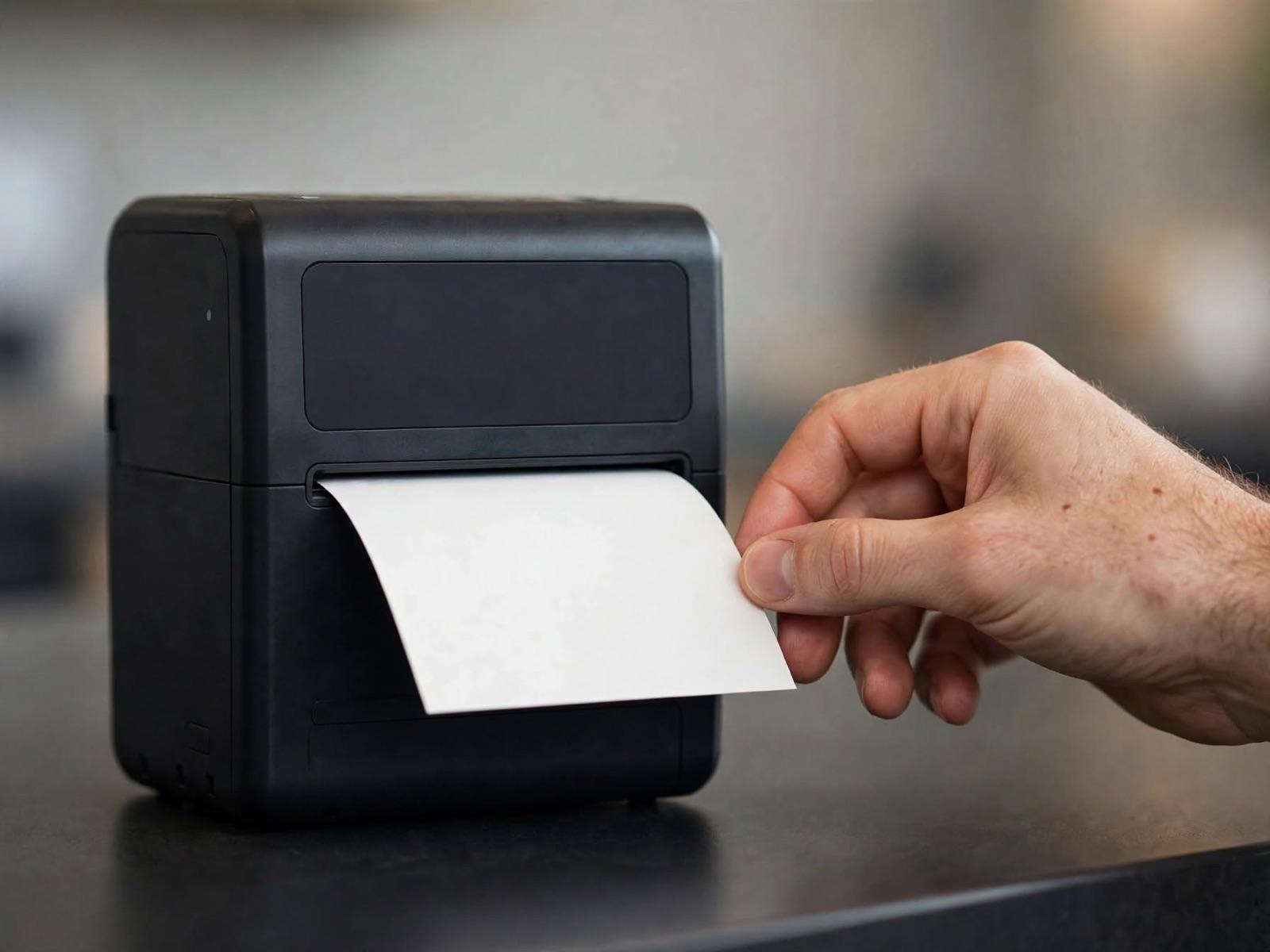
The Badge PrintsOut on the spot, with the right name on it.
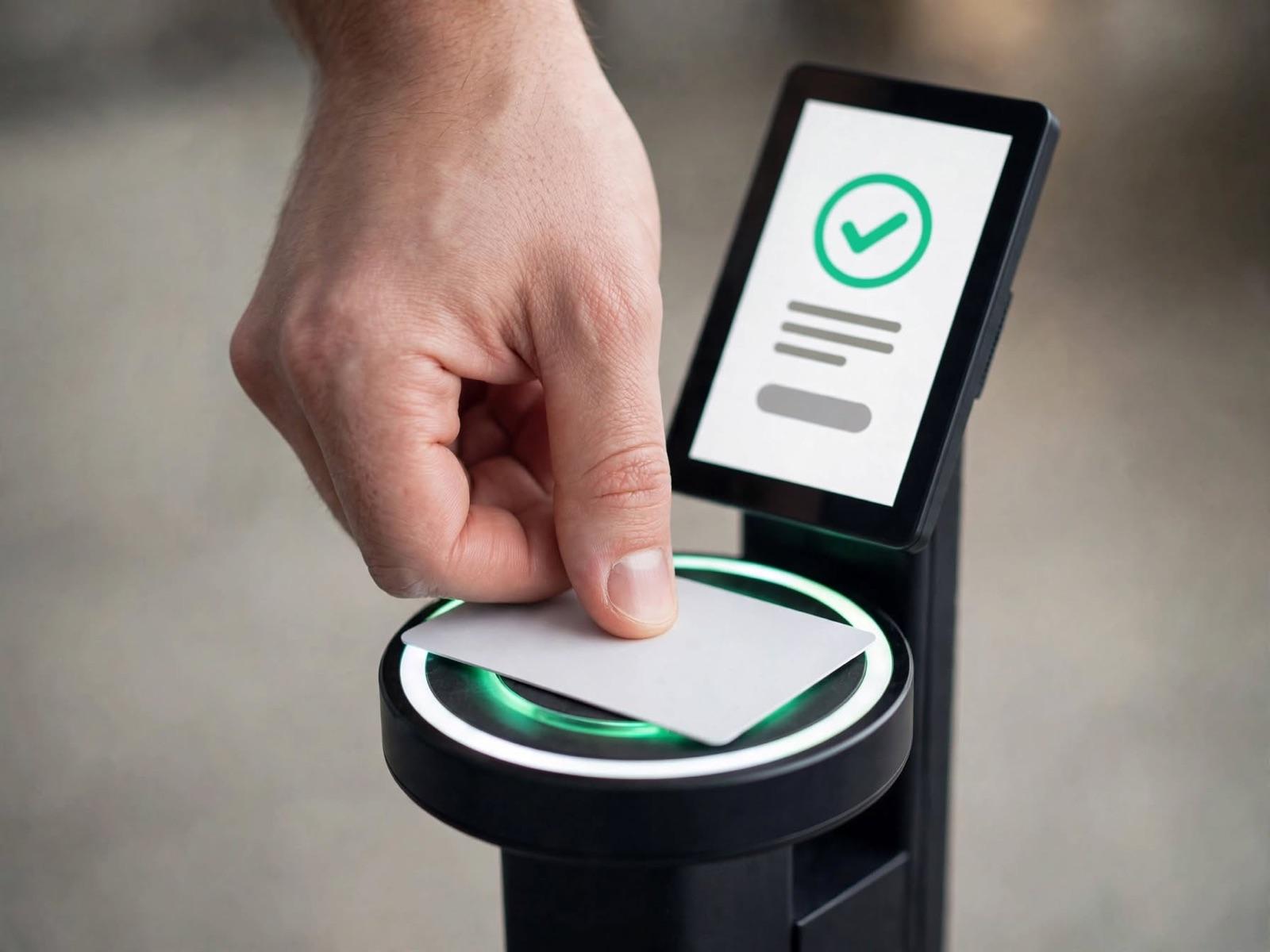
Tap to EnterA card or a wristband, for the next day and for restricted areas.
Check-in Only
Guests already carry their own credential, or the event simply doesn't use badges.
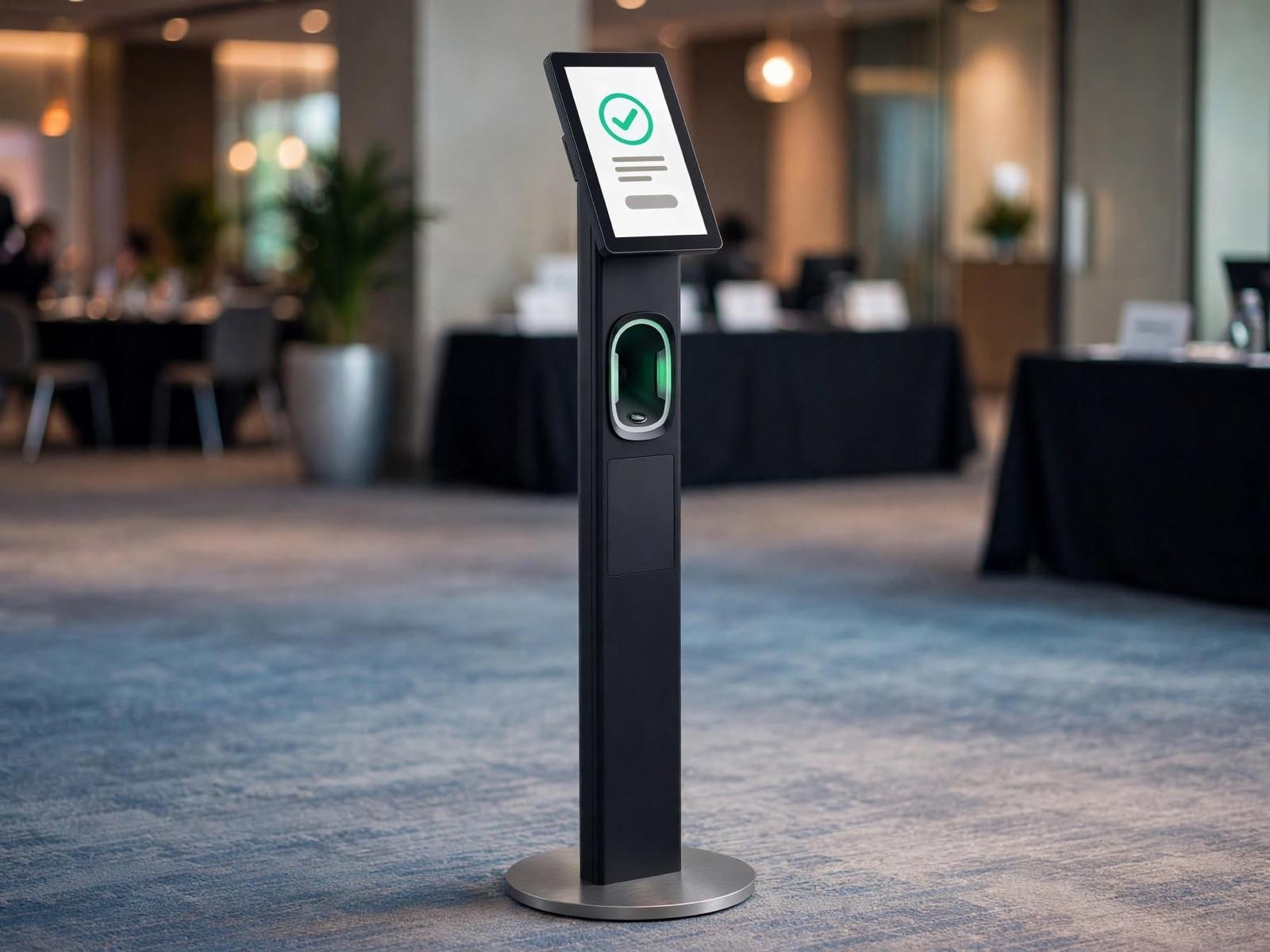
Self-Scan Tower
A guest shows their QR to the scanner in the column, the screen turns green, and they walk on. No one needs to stand in front of it.
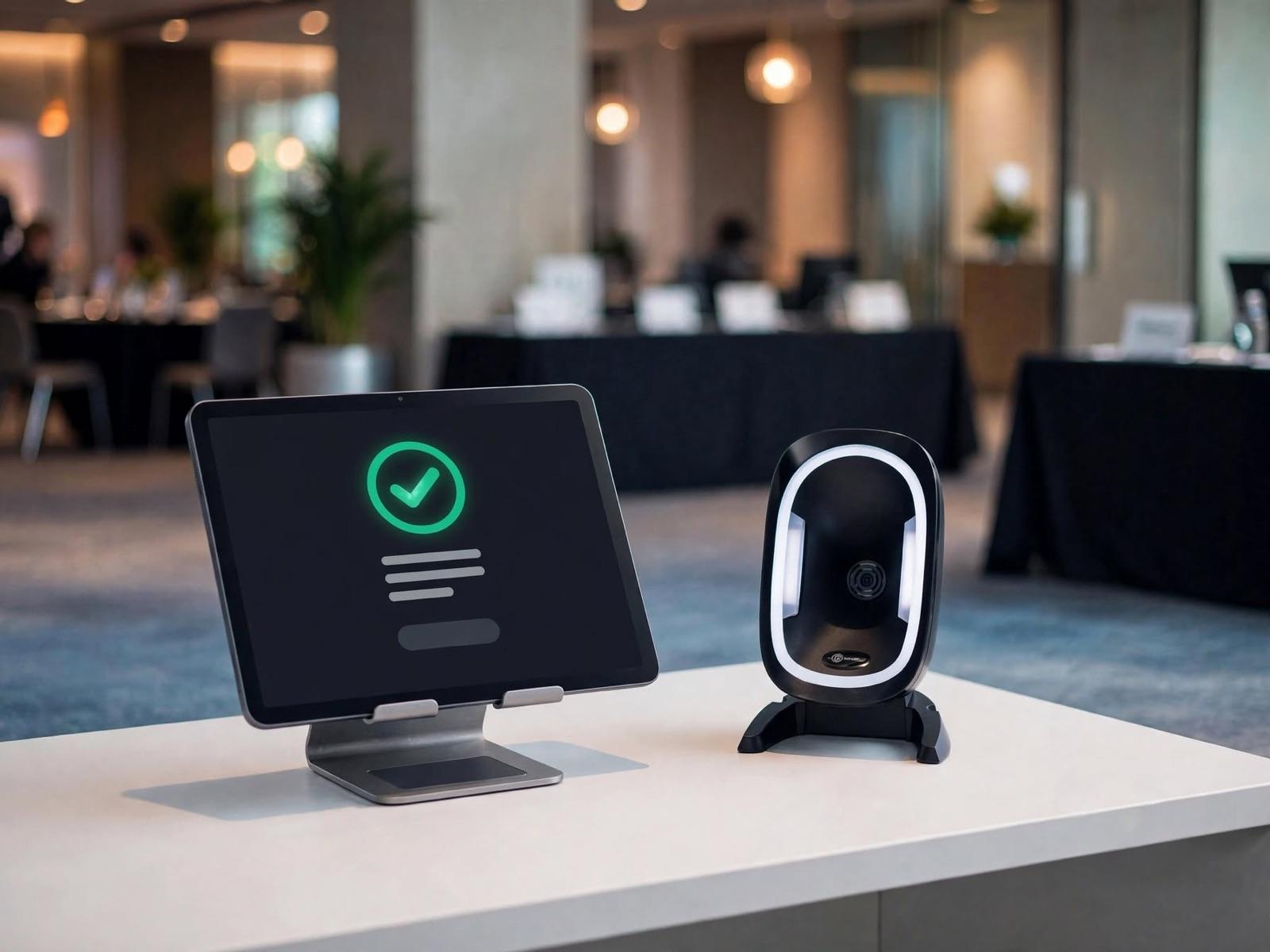
Tablet Desk
Crew scan the guest's QR from a tablet. The most compact setup, and the easiest to move when the door changes.
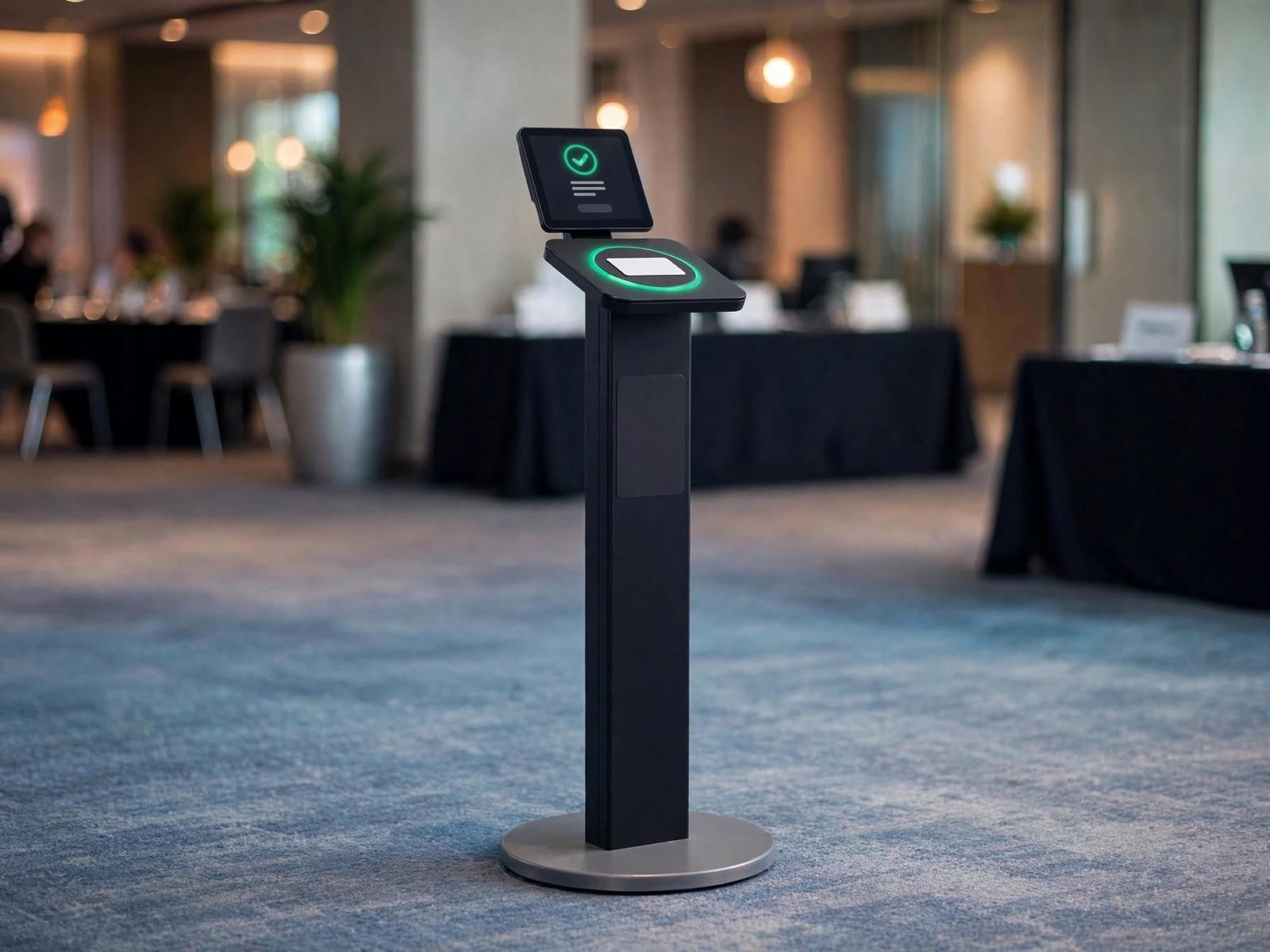
Tap Pedestal
A card or wristband is held against the pad. Useful across several days, because one card covers all of them.
Check-in and Badge in One Step
The badge prints as the guest arrives, so there is no second queue to collect it.
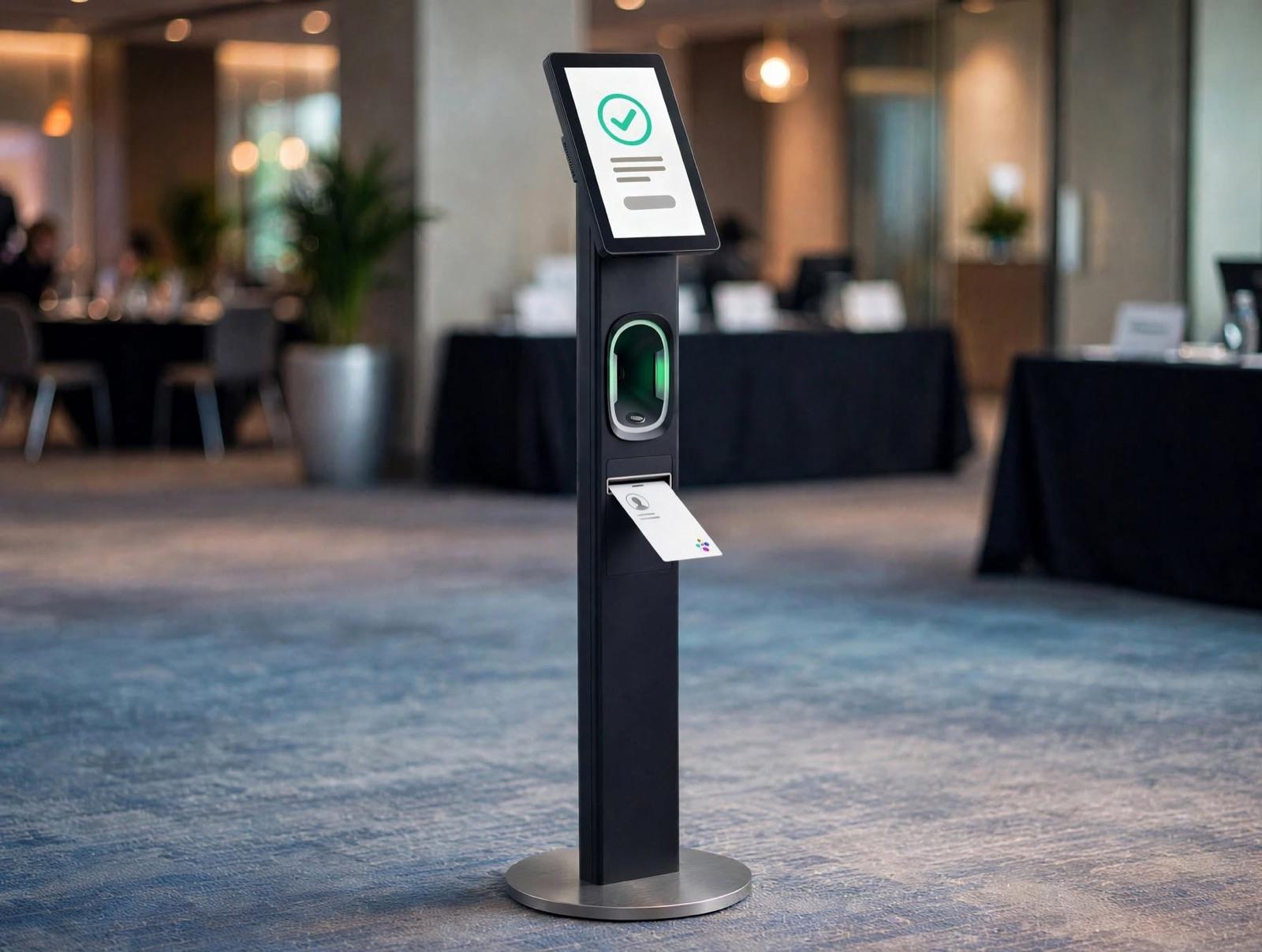
Tower with Printer
The guest scans, and the badge comes out of a slot in the same column. The whole thing finishes at one point, unstaffed.
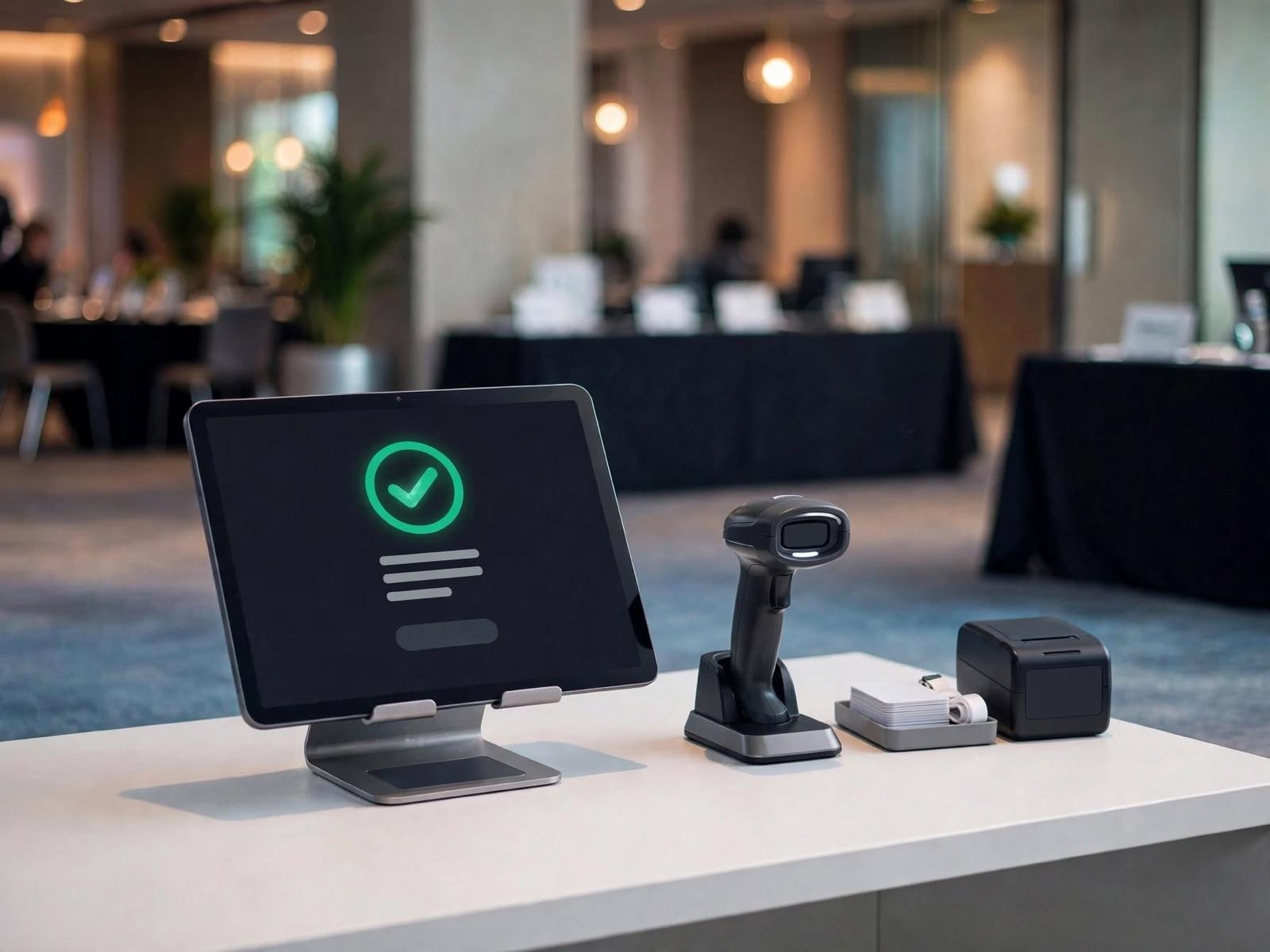
Desk with Printer
Crew scan, the printer beside them prints, and the lanyard comes off the tray. The arrangement used most often.
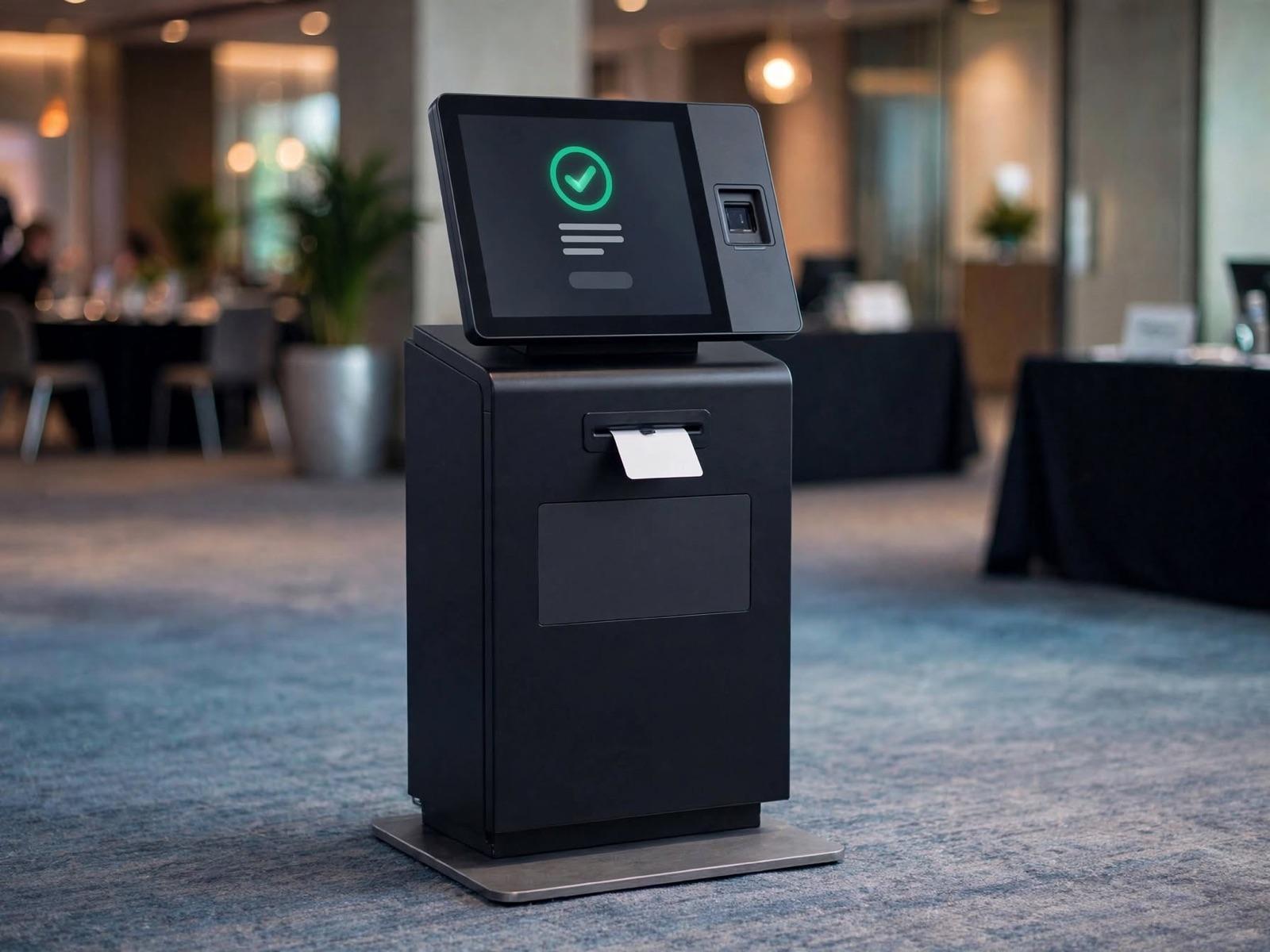
Self-Print Kiosk
The guest does it themselves, from screen to badge. It helps when arrivals pile into the same hour.
Badge Ready, or Register on the Spot
Two opposite situations, and both usually turn up at the same event.
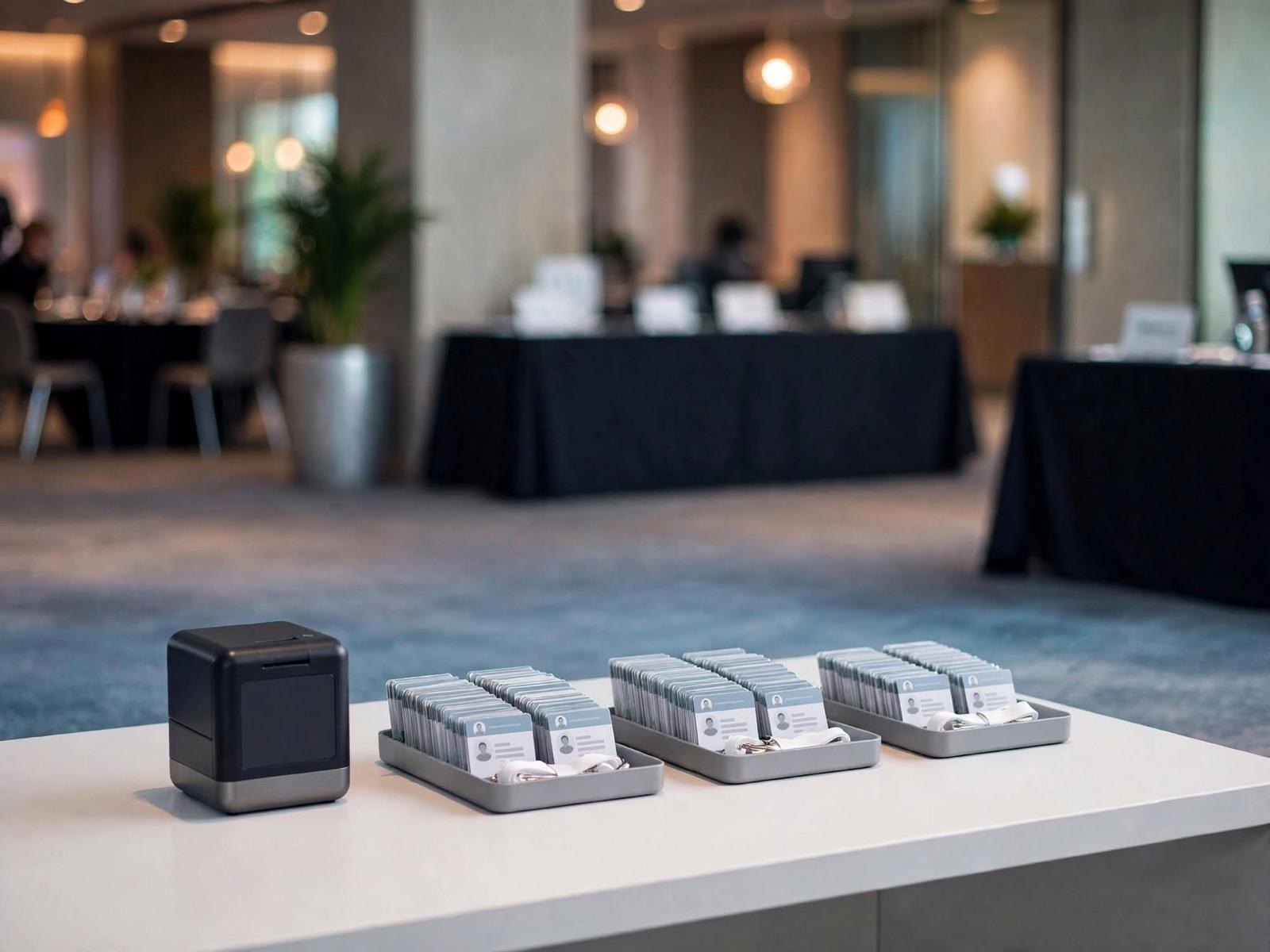
Badge Collection Counter
Badges print before the day and sit filed in trays. The guest just gives a name. Fastest when the list is already settled.
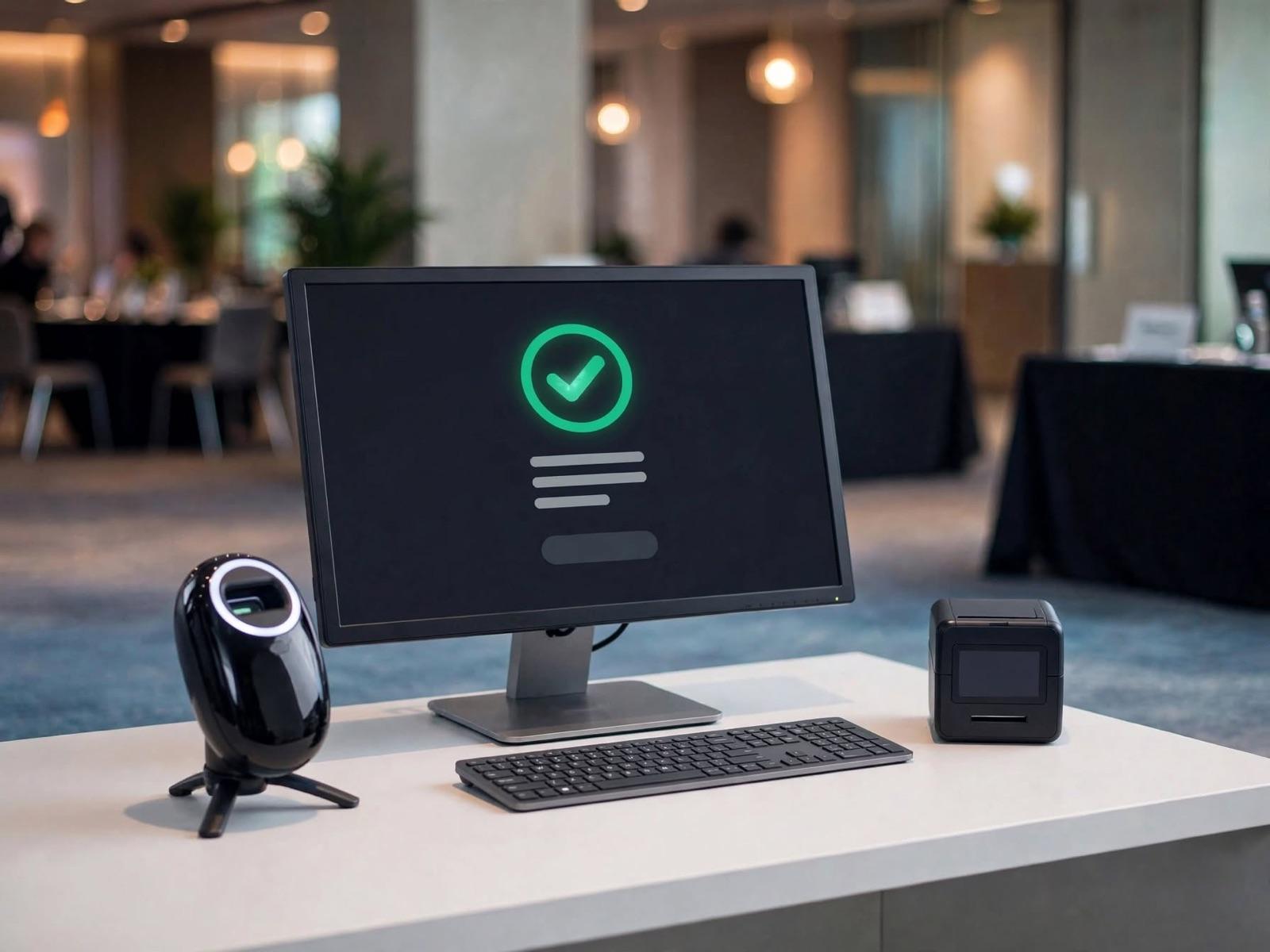
Walk-in Counter
For people who arrive unregistered. The form is cut to what genuinely matters, and the record lands in the same database.
Away from the Main Desk
Attendance isn't always recorded at the front door, and the event isn't always in the same city.
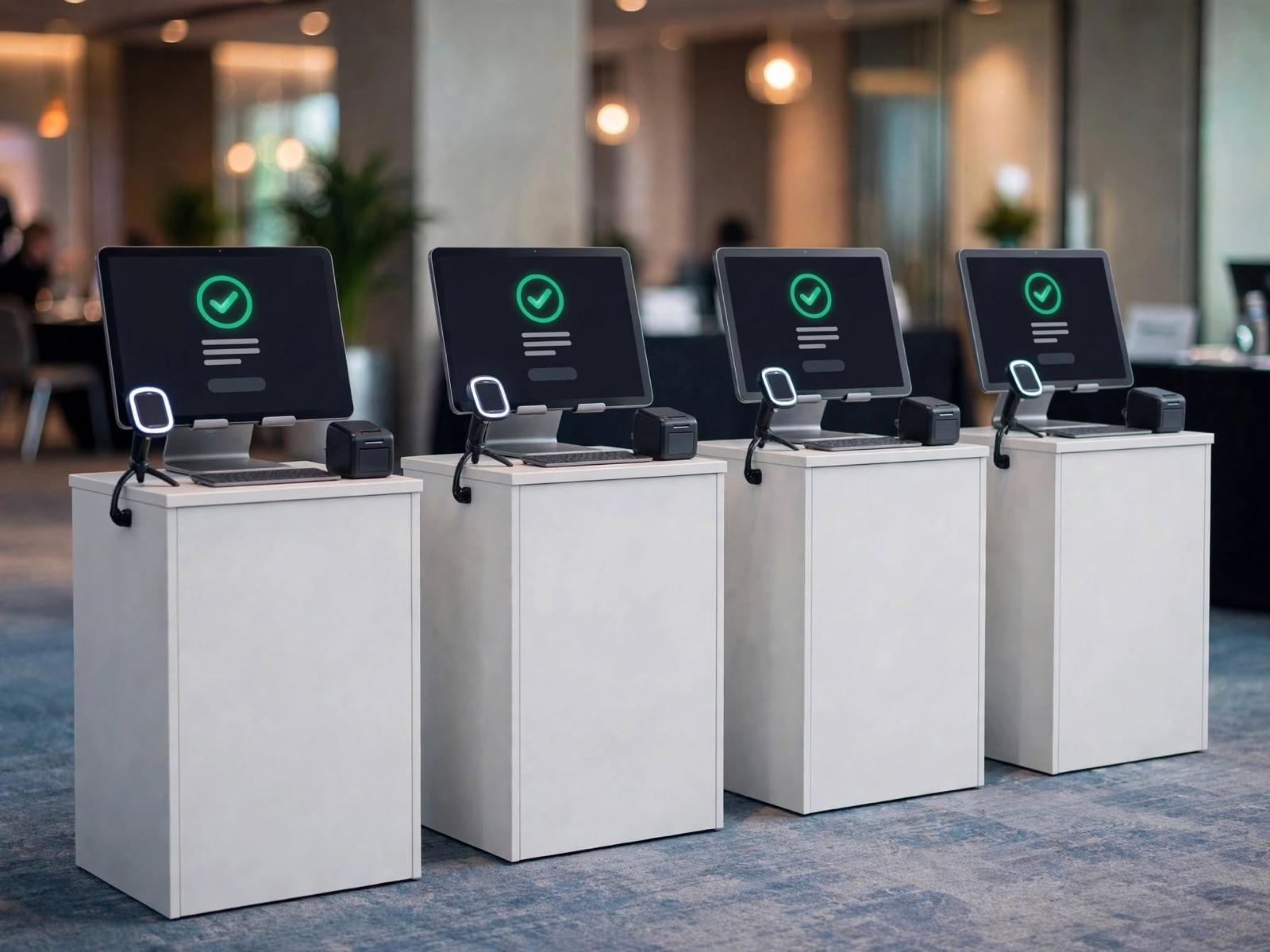
Several Stations in a Row
The number of lanes comes from how guests arrive, not from the headcount.
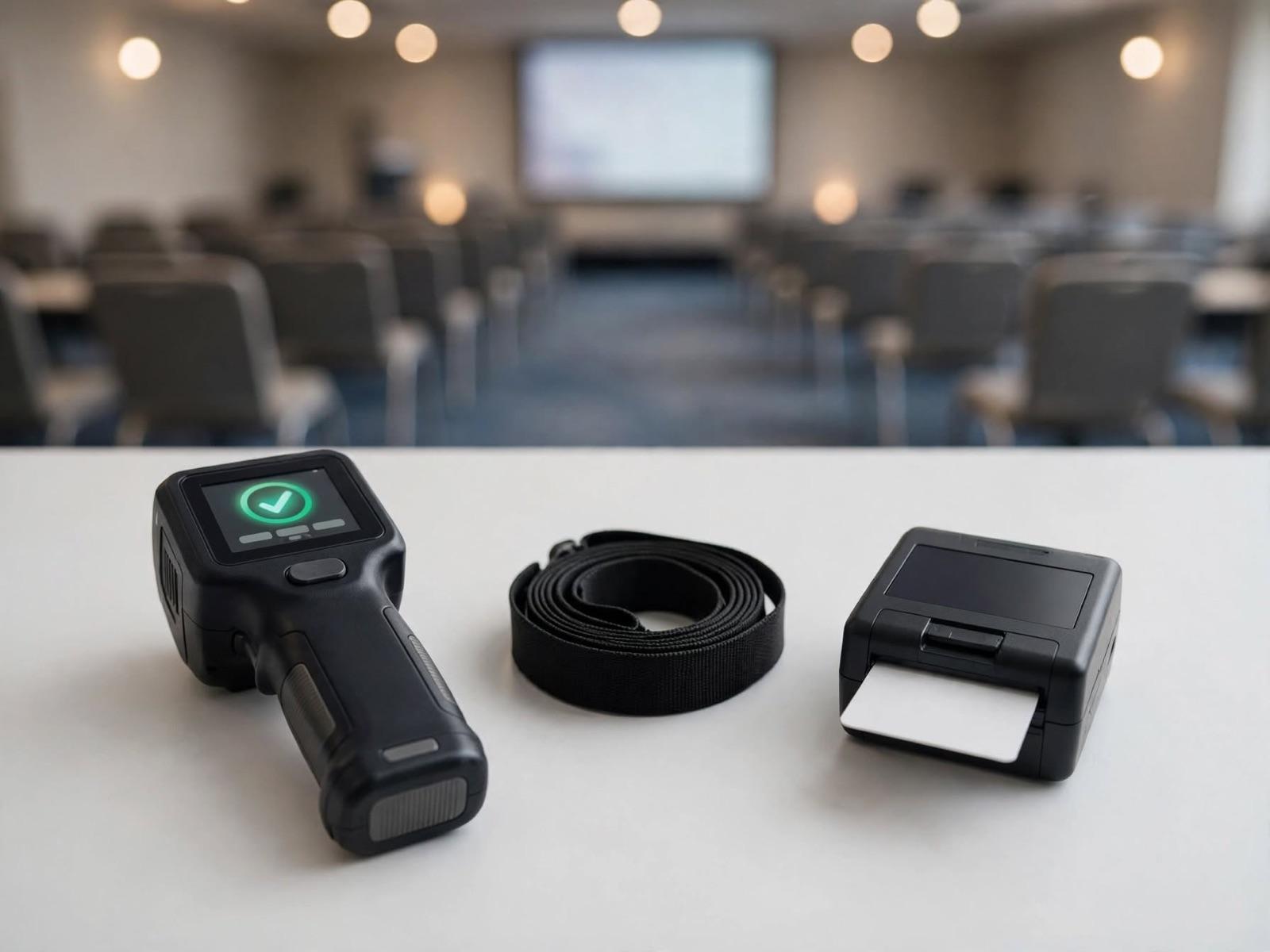
Roaming Kit
A handheld scanner and a small printer for recording attendance at session rooms, breakouts or sponsor areas.
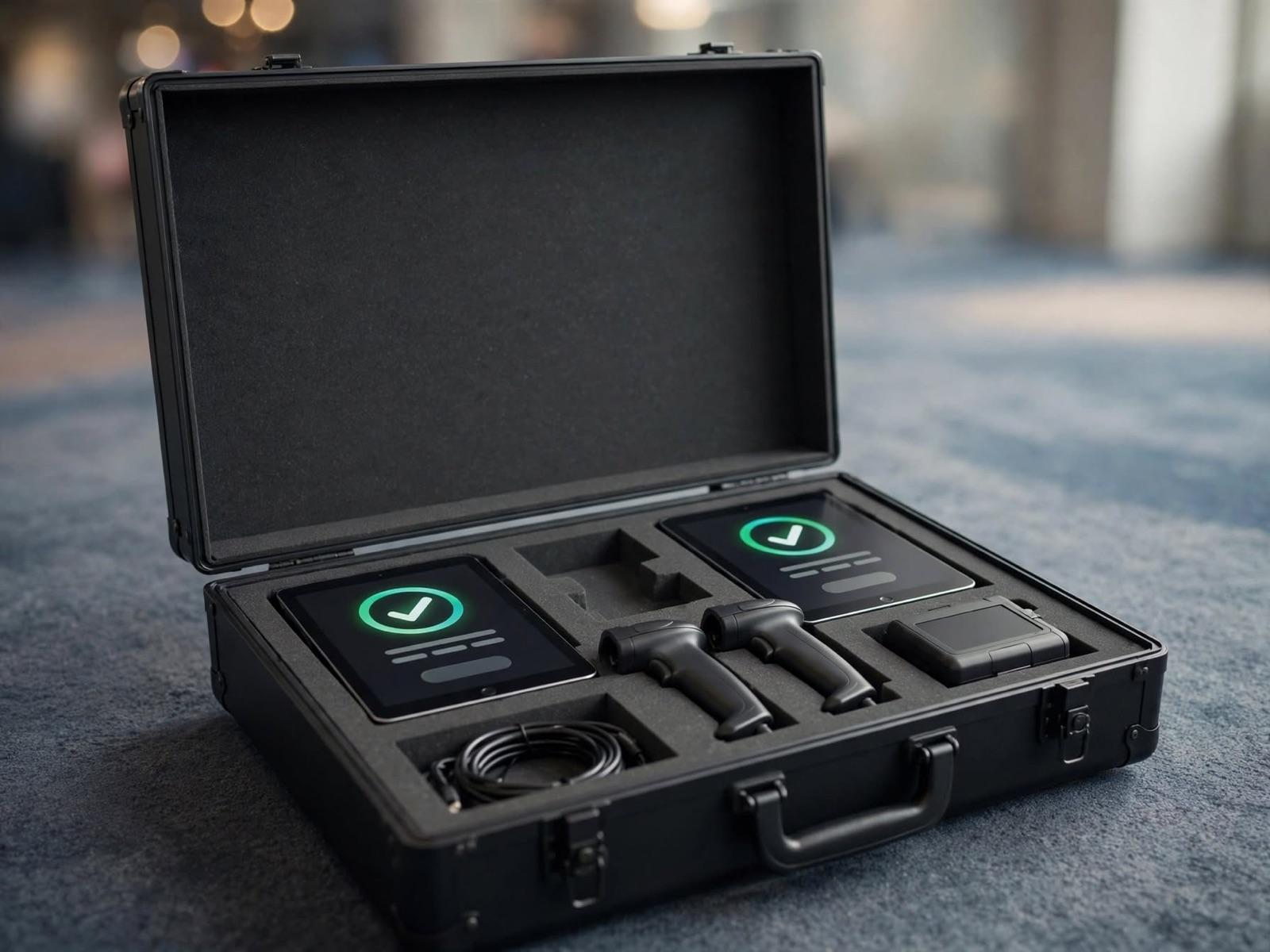
It All Fits in One Case
Hardware ships in a hard case, configured before it leaves, so an out-of-town event doesn't start from scratch.
Images are illustrative. The hardware and layout are tailored to your event.
Sizing It
The most common question is how many desks are needed, and the most common wrong answer is a number derived from total headcount. A thousand guests arriving evenly across two hours is a completely different event from a thousand arriving in the twenty minutes before the first session.
What we ask about first is the shape of the arrival: when doors open, when the first session starts, whether groups arrive together on a coach, and whether a lunch or a second registration brings people back a second time. Lane count comes out of that, and lane count is what decides hardware and crew, not the other way round.
That arrival shape also differs between cities, sometimes enough to change the decision. The location pages below set out what is different in each.
Which City Is Your Event In?
What differs between cities is not the people but the venues, the building rules and the logistics. Each city page sets out what usually needs preparing there.
- JakartaLarge venues, often with several entrances at once.See the city →
- JabodetabekVenues spread out; hardware and crew move between cities.See the city →
- BandungPlenty of corporate events in hotel and resort venues.See the city →
- SurabayaThe corporate and industrial event hub for East Java.See the city →
- BaliResort venues, and a lot of international-scale events.See the city →
Questions We Get
- How is an event registration system different from an ordinary online form?
- A form handles only the first layer: collecting details. A registration system carries those details to the door. It gives each attendee a verifiable identity, records attendance when they actually arrive, then returns the gap between who registered and who came as data you can use. If your event does not need attendance recorded, a form genuinely is enough.
- Do we have to use QR check-in?
- No. QR is the standard path because it is cheap, needs no special device and is familiar to almost everyone. But name search is available at every station as a normal route rather than an emergency one, so a guest without their QR never goes back to the end of the queue. RFID, NFC and facial recognition exist for events where guests must not stop at a desk.
- How far before the event should we start?
- There is no fixed deadline, and we deliberately publish no single figure: event preparation runs on wildly different calendars. What matters is not the number of days but whether there is still time to build the form, import the attendee data and test the flow before the first guest arrives. Tell us your date and we will say plainly what is still realistic.
- Does it still work if the venue's internet fails?
- Yes. Check-in stations can run in offline mode, verifying attendees against data already held on the device and reconciling the records once the connection returns. For an attendee, nothing changes: show a QR, walk in.
- Who owns the attendee data?
- The organiser. We process it to run your event and use it for nothing else. It can be exported at any time in a format you can use yourself, and the default retention is 30 days after the event unless you ask for something different.
- Can it carry our event's identity?
- Yes, from the sign-up page through to the badge on a lanyard. An attendee should feel they are dealing with your event, not with the vendor behind it.