QR Code Check-in: Show It, Scan It, Walk In.
QR is the simplest way in for a guest: no app, no special card, just the phone they already carry. Behind that simplicity are a few things that decide whether the queue moves.
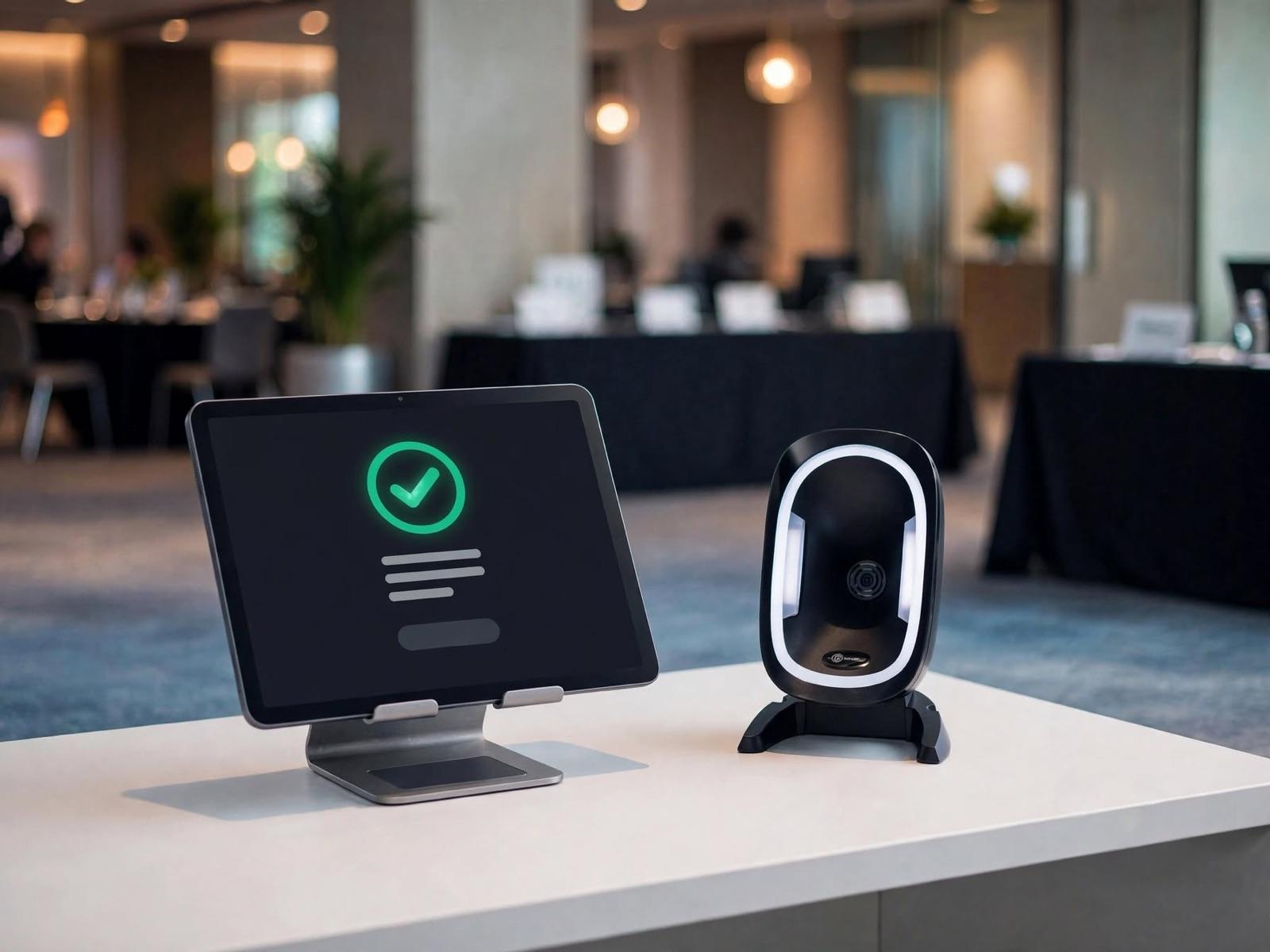
QR Code Check-in
What Makes QR Check-in Run Smoothly.
A unique QR per guest
Every QR is tied to one name. It holds a random code, not personal data, so nothing about the guest can be read from the image.
Valid for one entry
A used QR is refused at the door, and the crew see the refusal clearly. A forwarded screenshot can't get anyone in a second time.
Dedicated scanners at the main door
Once a queue forms, a barcode scanner is far quicker than a tablet camera. Phone cameras still work well at session-room doors.
Name search as a normal lane
Guests who changed phones, never got the email or have a flat battery are found by name at any station.
QR on the badge
The QR can be printed on the badge too, so session attendance, goodie bag claims and sponsor areas are a quick scan.
Resent with the reminder
The QR goes out again with the reminder before the day, so it is easy to find when the guest is already at the door.
Options
How the QR Reaches the Guest.
One event can use several of these. What matters is that the QR sits wherever the guest will find it fastest at the door.
- 01
WhatsApp
The channel guests open most, especially on the morning of the event.
- 02
Email
For formal confirmations and documents that need to be kept on file.
- 03
Apple Wallet & Google Wallet
The ticket sits in the phone's wallet, ready without searching through messages.
- 04
Printed invitation or badge
For guests who prefer paper, such as formal invitations or senior guests.
Common Questions
About QR Code Check-in.
Do guests need a special app?
No. The QR can be shown straight from WhatsApp, email or the phone's wallet.
What if a QR is forwarded to someone else?
The QR is tied to one name and works once. After it is used, any further scan is refused. For strict events, crew can also check the name against ID.
Can the organisers just use their phone cameras?
Yes, especially for small events or session-room doors. At a main entrance with a long queue, a dedicated scanner is faster and steadier.
When is QR alone not enough?
When guests must not stop at all, such as a VIP lane, or when access is limited by area across several days. RFID or NFC usually fits better there.